CPU Scheduling Simulator
See how 8 CPU scheduling algorithms handle the same processes
cpuschedulingsimulator353.netlify.app
About the project
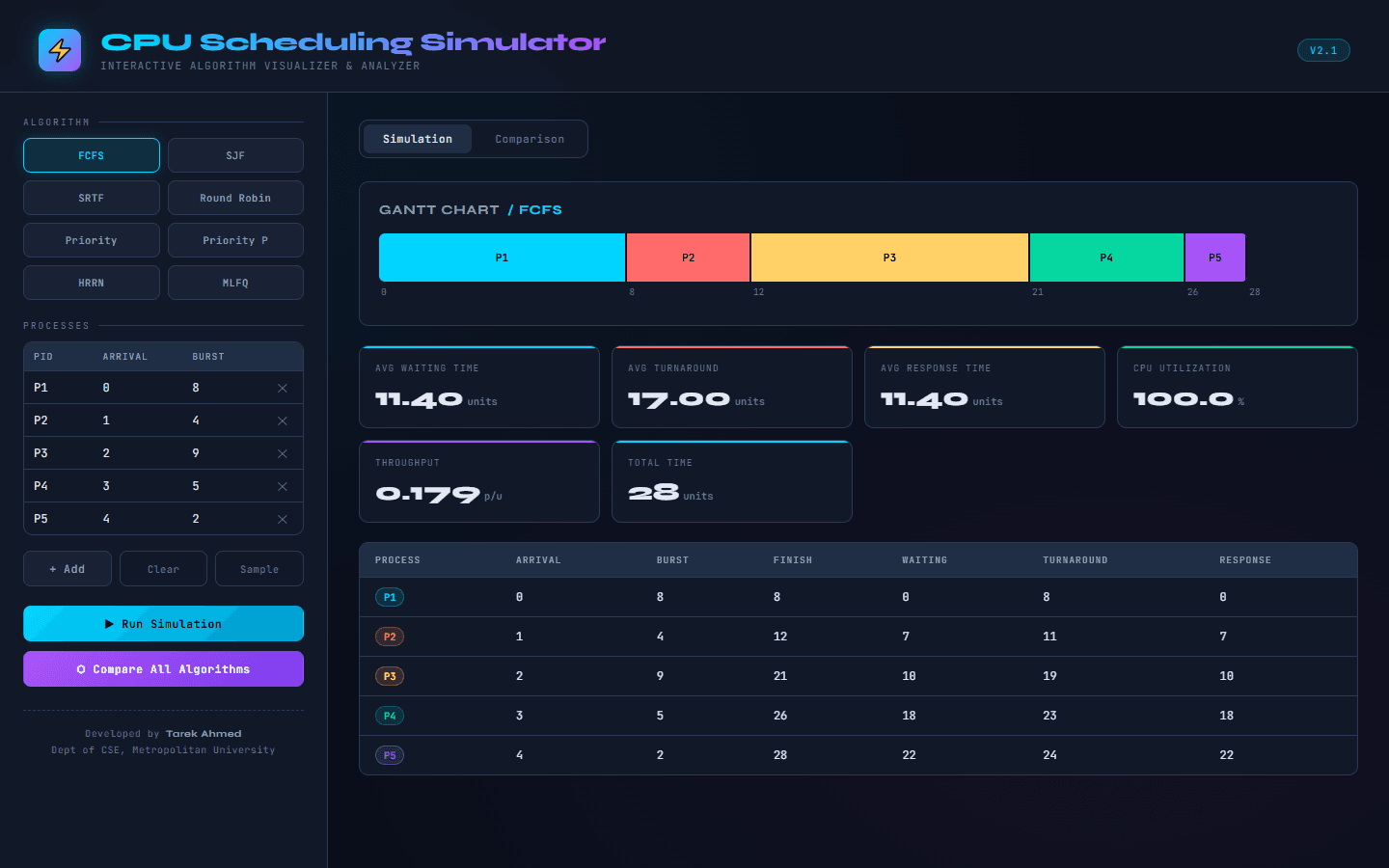
An interactive tool for my Operating Systems course that shows how different CPU scheduling algorithms handle the same set of processes. You add processes with their arrival time, burst time and priority, pick an algorithm, and get a Gantt chart with waiting, turnaround and response times. A compare mode runs every algorithm at once and puts the results side by side.
Key features
- 8 algorithms: FCFS, SJF, SRTF, Round Robin, both Priority variants, HRRN and MLFQ
- A Gantt chart generated for every run
- Average waiting, turnaround and response time, CPU utilisation and throughput
- Side-by-side comparison of all algorithms with bar charts
- Ready queue trace for Round Robin
Challenges I faced
- 1
Preemptive algorithms like SRTF and preemptive Priority can switch processes at any time unit, so the simulation has to step through time one unit at a time instead of running each process to completion.
- 2
MLFQ needs several queues with their own time quantum, and processes that use up their quantum move down a level. Getting that bookkeeping right took the most testing.
- 3
There's no chart library. The Gantt chart and the comparison bars are built from plain HTML and CSS.
Future plans
- An animated step-by-step playback of the Gantt chart.
- I/O bursts so processes can block and come back.
- Exporting results to CSV or PDF.
- Saving and loading process sets.